Category: Shape Pack 2

  • 7 ShapeCalc: unit-less values with calc()

    ShapeCalc is the next step in Shape Pack 2 and continues the shift from fixed to parameter‑driven geometry. It builds on ShapeScope by converting the pixel‑based translate-z custom property into a unit‑less numeric value, then re‑applying the pixel units in the transform using calc() to multiply the unit-less number by 1px with calc(var(--translate-z) * 1px).
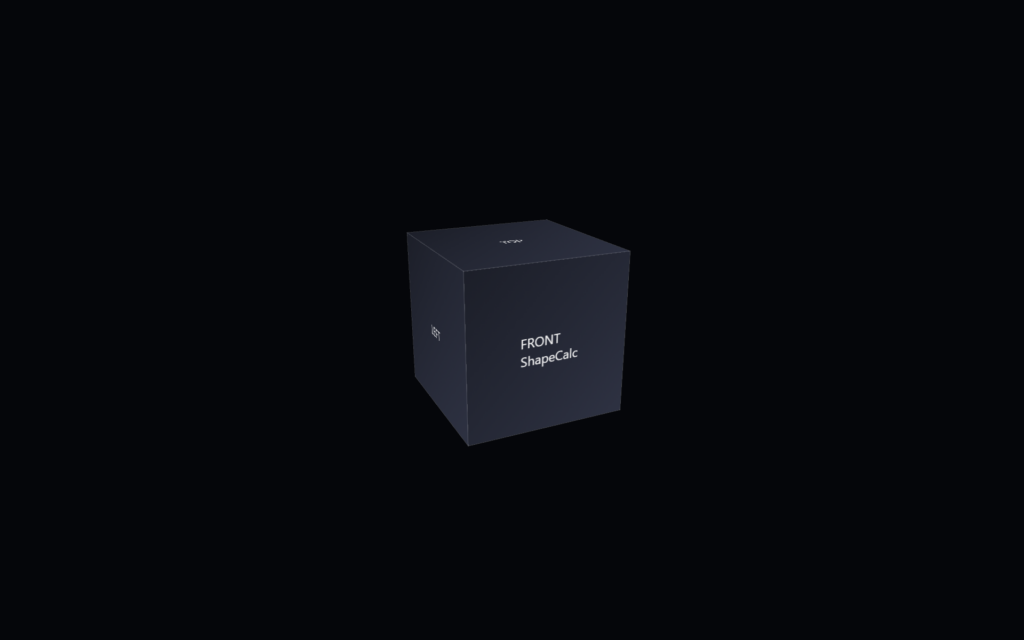
    The following code snippet contains the base HTML for the CSS 3d shape.

    <div class="scene">
            <div class="shape">
                    <div class="shape__face shape__face--front">FRONT<br />ShapeCalc</div>
                    <div class="shape__face shape__face--left">LEFT</div>
                    <div class="shape__face shape__face--back">BACK</div>
                    <div class="shape__face shape__face--right">RIGHT</div>
                    <div class="shape__face shape__face--top">TOP</div>
                    <div class="shape__face shape__face--bottom">BOTTOM</div>
            </div>
    </div>

    The code below shows the current CSS for the shape.

    body
    {
            margin: 0;
            min-height: 100vh;
            display: flex;
            align-items: center;
            justify-content: center;
            background: #05060a;
            color: #f5f5f5;
            font-family: system-ui, -apple-system, BlinkMacSystemFont, "SF Pro Text", "Segoe UI", sans-serif;
    }
    
    .scene
    {
            width: 200px;
            height: 200px;
            perspective: 800px;
            perspective-origin: 50% 50%;
    }
    
    @scope (.shape) 
    {
            :scope
            {                             
                    --total-degrees:360;
                    --number-of-sides:4;
                    --degrees-per-side:90;
                    
                    --translate-x:0px;                        
                    --translate-y:0px;
                    --translate-z:100;  
                    
                    --shape-size: 200px;
                    --shape-depth: 200px;
                    --panel-gap: 0px;
    
                    --rotate-x: -20deg;
                    --rotate-y: 25deg;
                    --rotate-z: 0deg;
    
                    --perspective: 800px;
                    --perspective-origin-x: 50%;
                    --perspective-origin-y: 50%;
    
                    --face-front-rotate: 0deg;
                    --face-left-rotate: -90deg;
                    --face-back-rotate: 180deg;
                    --face-right-rotate: 90deg;
                    --face-top-rotate: 90deg;
                    --face-bottom-rotate: -90deg;
                    
                    position: relative;
                    width: 100%;
                    height: 100%;
                    transform-style: preserve-3d;
                    transform: rotateX(-20deg) rotateY(25deg) rotateZ(0deg);
            }
    
            :scope .shape__face
            {
                    position: absolute;
                    width: 100%;
                    height: 100%;
                    display: flex;
                    align-items: center;
                    justify-content: center;
                    background: linear-gradient(135deg, #1b1f2a, #2c3244);
                    outline: 1px solid rgba(255, 255, 255, 0.15);
                    box-sizing: border-box;
            }
    
            :scope .shape__face--front      {  transform: rotateY(var(--face-front-rotate))  translateZ(calc(var(--translate-z) * 1px)); }
            :scope .shape__face--left       {  transform: rotateY(var(--face-left-rotate))   translateZ(calc(var(--translate-z) * 1px)); }
            :scope .shape__face--back       {  transform: rotateY(var(--face-back-rotate))   translateZ(calc(var(--translate-z) * 1px)); }
            :scope .shape__face--right      {  transform: rotateY(var(--face-right-rotate))  translateZ(calc(var(--translate-z) * 1px)); }
            :scope .shape__face--top        {  transform: rotateX(var(--face-top-rotate))    translateZ(calc(var(--translate-z) * 1px)); }
            :scope .shape__face--bottom     {  transform: rotateX(var(--face-bottom-rotate)) translateZ(calc(var(--translate-z) * 1px)); }
    }      

    The goal of this step is to separate data from presentation, allowing the shape’s internal math to stay clean, scalable, and re-usable.

    The folder includes:

    • a CSS file showing the unit‑less variable pattern
    • a custom property rewritten as a pure number instead of using a unit after the number
    • updated transforms that applies units through calc() at the moment of use

    This step shows how geometry can become more flexible without changing the visual output. The cube still behaves the same, but some of it’s internal values are now mathematical rather than fixed. By removing units from the variable and restoring them only when needed, the shape becomes easier to scale, easier to compute with, and better prepared for future components that rely on dynamic geometry.
  • 6 ShapeScope: modularize with @scope

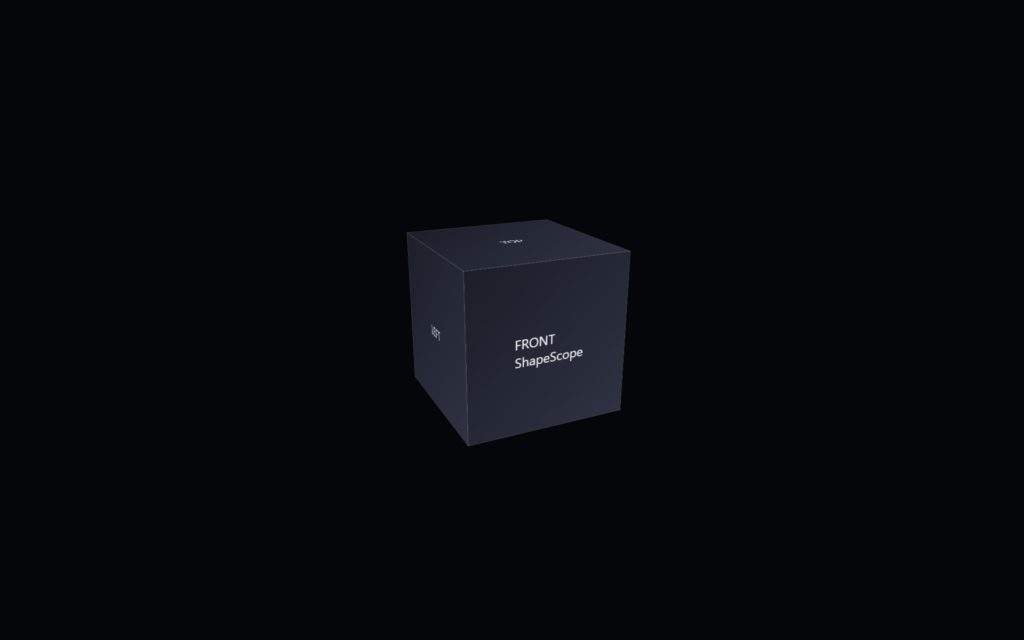
    ShapeScope is the first step in Shape Pack 2 and the point where the shape becomes fully self‑contained. It builds on ShapeEngine by moving all custom properties and internal selectors into a top‑level @scope (.shape) block, turning the shape into a modular unit that no longer depends on global variables.

    Current state of the shape, shown here as the ShapeScope component on a black background.

    The following code snippet contains the base HTML for the CSS 3d shape.

    <div class="scene">
            <div class="shape">
                    <div class="shape__face shape__face--front">FRONT<br />ShapeScope</div>
                    <div class="shape__face shape__face--left">LEFT</div>
                    <div class="shape__face shape__face--back">BACK</div>
                    <div class="shape__face shape__face--right">RIGHT</div>
                    <div class="shape__face shape__face--top">TOP</div>
                    <div class="shape__face shape__face--bottom">BOTTOM</div>
            </div>
    </div>

    The following code snippet contains the CSS for ShapeScope.

    body
    {
            margin: 0;
            min-height: 100vh;
            display: flex;
            align-items: center;
            justify-content: center;
            background: #05060a;
            color: #f5f5f5;
            font-family: system-ui, -apple-system, BlinkMacSystemFont, "SF Pro Text", "Segoe UI", sans-serif;
    }
    
    .scene
    {
            width: 200px;
            height: 200px;
            perspective: 800px;
            perspective-origin: 50% 50%;
    }
    
    @scope (.shape) 
    {
            :scope
            {
                    --shape-size: 200px;
                    --shape-depth: 200px;
                    --panel-count: 6;
                    --panel-gap: 0px;
    
                    --rotate-x: -20deg;
                    --rotate-y: 25deg;
                    --rotate-z: 0deg;
    
                    --perspective: 800px;
                    --perspective-origin-x: 50%;
                    --perspective-origin-y: 50%;
    
                    --animation-duration: 2000ms;
                    --animation-easing: ease-in-out;
    
                    --face-front-rotate: 0deg;
                    --face-left-rotate: -90deg;
                    --face-back-rotate: 180deg;
                    --face-right-rotate: 90deg;
                    --face-top-rotate: 90deg;
                    --face-bottom-rotate: -90deg;
    
                    
                    position: relative;
                    width: 100%;
                    height: 100%;
                    transform-style: preserve-3d;
                    transform: rotateX(-20deg) rotateY(25deg) rotateZ(0deg);
                    transition: transform 2000ms ease-in-out;
            }
    
            :scope .shape__face
            {
                    position: absolute;
                    width: 100%;
                    height: 100%;
                    display: flex;
                    align-items: center;
                    justify-content: center;
                    background: linear-gradient(135deg, #1b1f2a, #2c3244);
                    outline: 1px solid rgba(255, 255, 255, 0.15);
                    box-sizing: border-box;
            }
    
            :scope .shape__face--front      { transform: rotateY(var(--face-front-rotate))  translateZ(calc(var(--shape-depth) / 2)); }
            :scope .shape__face--left       { transform: rotateY(var(--face-left-rotate))   translateZ(calc(var(--shape-depth) / 2)); }
            :scope .shape__face--back       { transform: rotateY(var(--face-back-rotate))   translateZ(calc(var(--shape-depth) / 2)); }
            :scope .shape__face--right      { transform: rotateY(var(--face-right-rotate))  translateZ(calc(var(--shape-depth) / 2)); }
            :scope .shape__face--top        { transform: rotateX(var(--face-top-rotate))    translateZ(calc(var(--shape-depth) / 2)); }
            :scope .shape__face--bottom     { transform: rotateX(var(--face-bottom-rotate)) translateZ(calc(var(--shape-depth) / 2)); }
    }      

    The goal of this step is to convert the shape from a global pattern into an isolated, reusable component.

    The folder includes:

    • a CSS file with the entire shape wrapped inside a single @scope (.shape) block
    • all former :root custom properties moved into :scope so they apply only to the component
    • updated selectors that ensure every face and transform is local to the .shape instance

    This step shows how modularity can evolve without changing the visual output or adding complexity. The cube behaves exactly the same, but its internal logic is now protected. By isolating variables and selectors, the shape becomes safer to reuse, easier to drop into larger projects, and more predictable when multiple shapes coexist.

  • 5 Introducing Shape Pack 2: The next steps

    Shape Pack 2 continues the progression started in the first pack, but shifts the focus from building a shape to strengthening how that shape behaves as a component. While Shape Pack 1 explored structure, variables, and internal organization, Shape Pack 2 introduces two modern CSS features—@scope and function(), and turns the shape into a more modular and functional adaptable system.

    Screenshot of the ShapeEngine component, showing a centered CSS cube on a black background.
    Current state of the shape, shown here as the ShapeEngine component on a black background.

    Each folder in the pack represents one step in this evolution. The components are still small, readable, and isolated, but now they demonstrate how a shape can take advantage of newer CSS capabilities without becoming harder to understand. The files remain separate and direct so you can open any component and see exactly what changed from the previous step.

    The structure stays consistent across the pack. Every component includes its own HTML, its own CSS, and a short note describing the specific feature introduced in that step. This makes the progression easy to follow whether you move through it in order or jump between pieces. Like the first pack, Shape Pack 2 isn’t tied to a framework or workflow, so it can fit into different projects or serve as a reference on its own.

    Shape Pack 2 shows how a shape can evolve through small, focused enhancements. Each step adds a new capability—scoping, unit-less values, or functional transforms—while keeping the component clear and approachable. You can use the components directly, adapt them, or treat the pack as a foundation for your own variations.