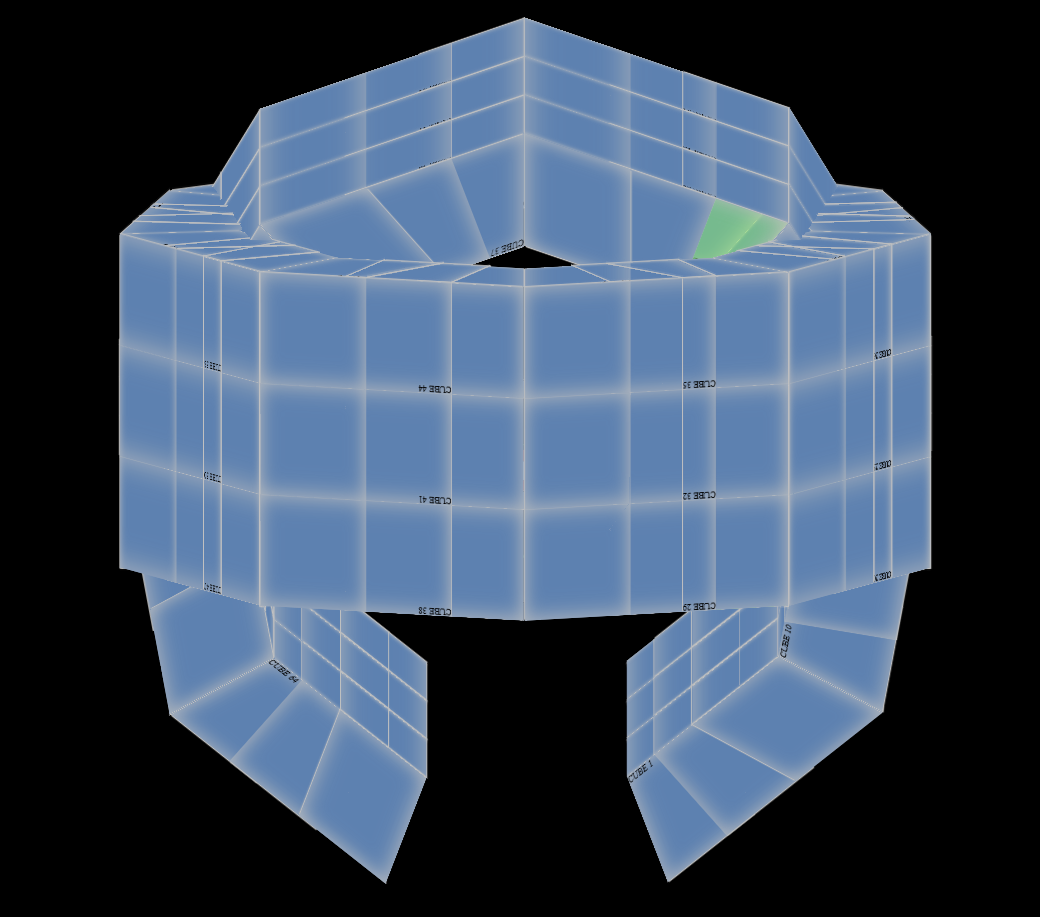
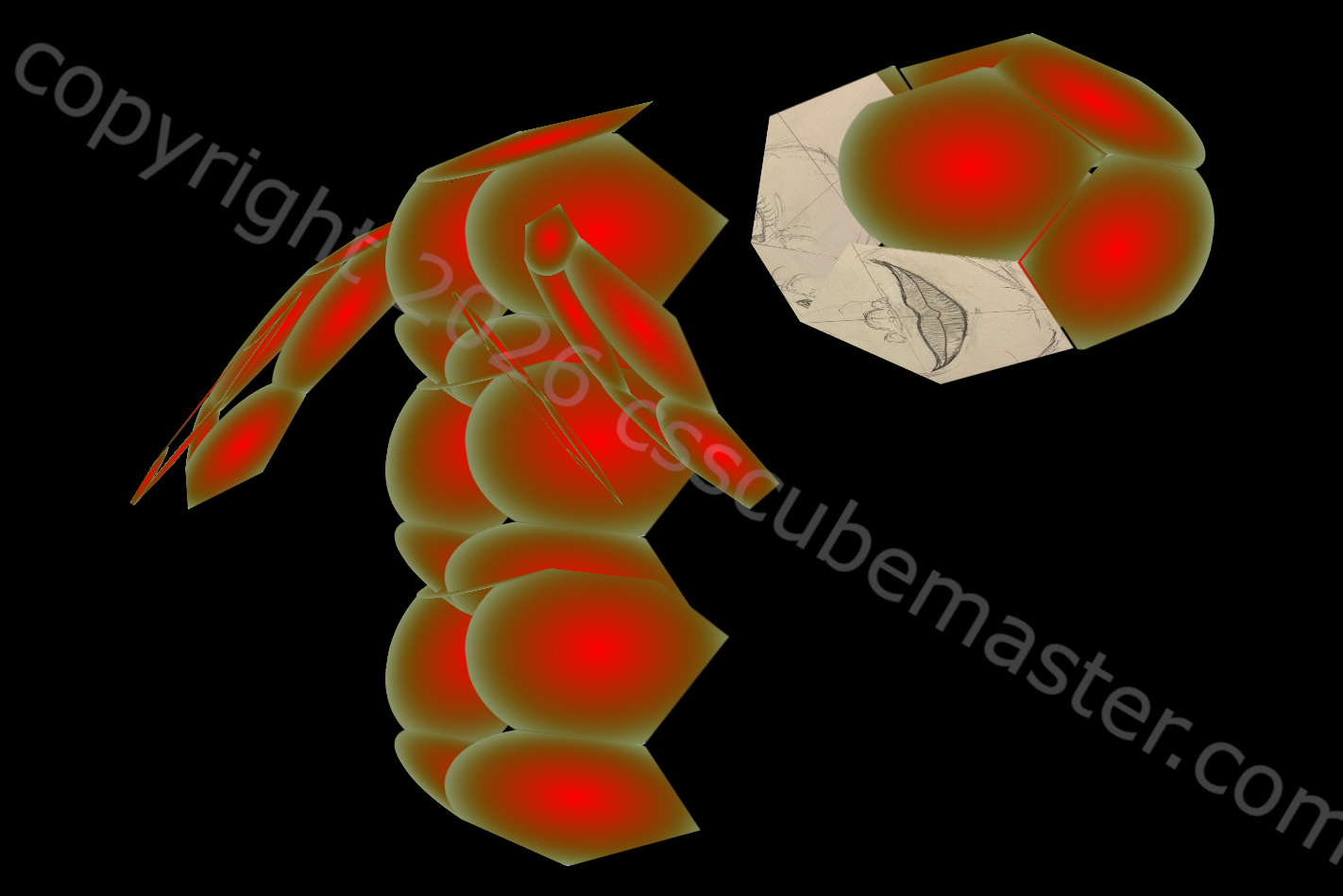
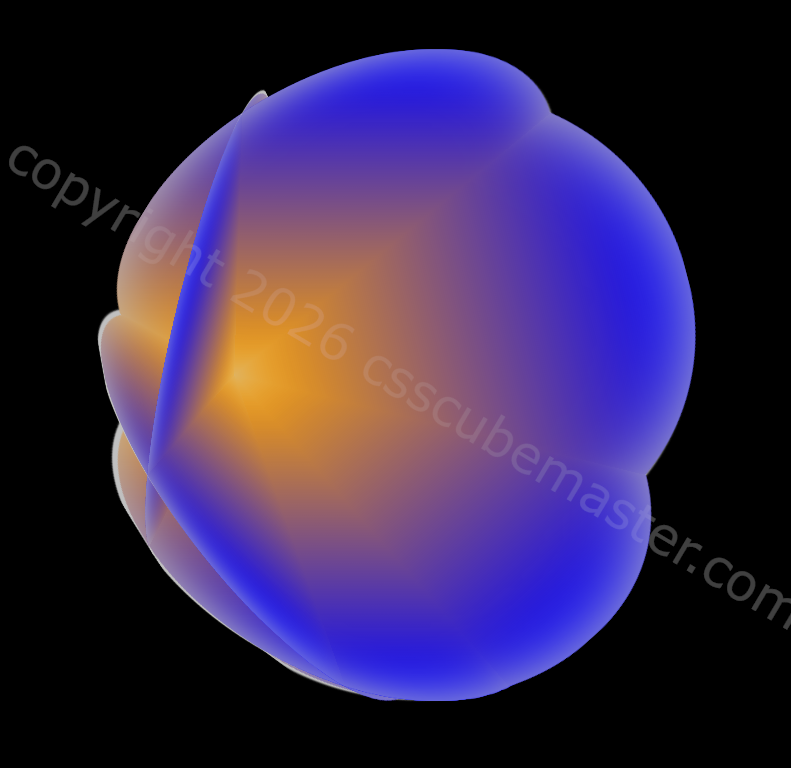
This first step focuses on clarity. ShapeSimple has no variables, layers, or abstractions so you can see the core structure without distraction. It’s the cleanest version of the shape and the starting point for the entire progression.

The following code snippet contains the base HTML for the CSS 3d shape.
<div class="scene">
        <div class="shape">
                <div class="shape__face shape__face--front">FRONT<br />ShapeSimple</div>
                <div class="shape__face shape__face--left">LEFT</div>
                <div class="shape__face shape__face--back">BACK</div>
                <div class="shape__face shape__face--right">RIGHT</div>
                <div class="shape__face shape__face--top">TOP</div>
                <div class="shape__face shape__face--bottom">BOTTOM</div>
        </div>
</div>
The following code snippet contains the CSS for the CSS 3d shape’s first iteration.
body
{
        margin: 0;
        min-height: 100vh;
        display: flex;
        align-items: center;
        justify-content: center;
        background: #05060a;
        color: #f5f5f5;
        font-family: system-ui, -apple-system, BlinkMacSystemFont, "SF Pro Text", "Segoe UI", sans-serif;
}

.scene
{
        width: 200px;
        height: 200px;
        perspective: 800px;
        perspective-origin: 50% 50%;
}

.shape
{
        position: relative;
        width: 100%;
        height: 100%;
        transform-style: preserve-3d;
        transform: rotateX(-20deg) rotateY(25deg) rotateZ(0deg);
}

.shape__face
{
        position: absolute;
        width: 100%;
        height: 100%;
        display: flex;
        align-items: center;
        justify-content: center;
        background: linear-gradient(135deg, #1b1f2a, #2c3244);
        outline: 1px solid rgba(255, 255, 255, 0.15);
        box-sizing: border-box;
}

.shape__face--front { transform: translateZ(100px); }
.shape__face--left { transform: rotateY(-90deg) translateZ(100px); }
.shape__face--back { transform: rotateY(180deg) translateZ(100px); }
.shape__face--right { transform: rotateY(90deg) translateZ(100px); }
.shape__face--top { transform: rotateX(90deg) translateZ(100px); }
.shape__face--bottom { transform: rotateX(-90deg) translateZ(100px); }
The folder contains three small files:
- an HTML file with the basic element structure
- a CSS file with the minimal rules needed to form the shape
- a short note describing what this step introduces
What changed from the previous step.
- Change: This is the first step, so nothing is being modified yet.
- Reason: Establish a clean, minimal foundation for all later shapes.
This component sets the foundation for the rest of the pack. Every later shape builds on this one, adding structure or behavior in small, deliberate steps.